Integrated Inventory Setup
User Security
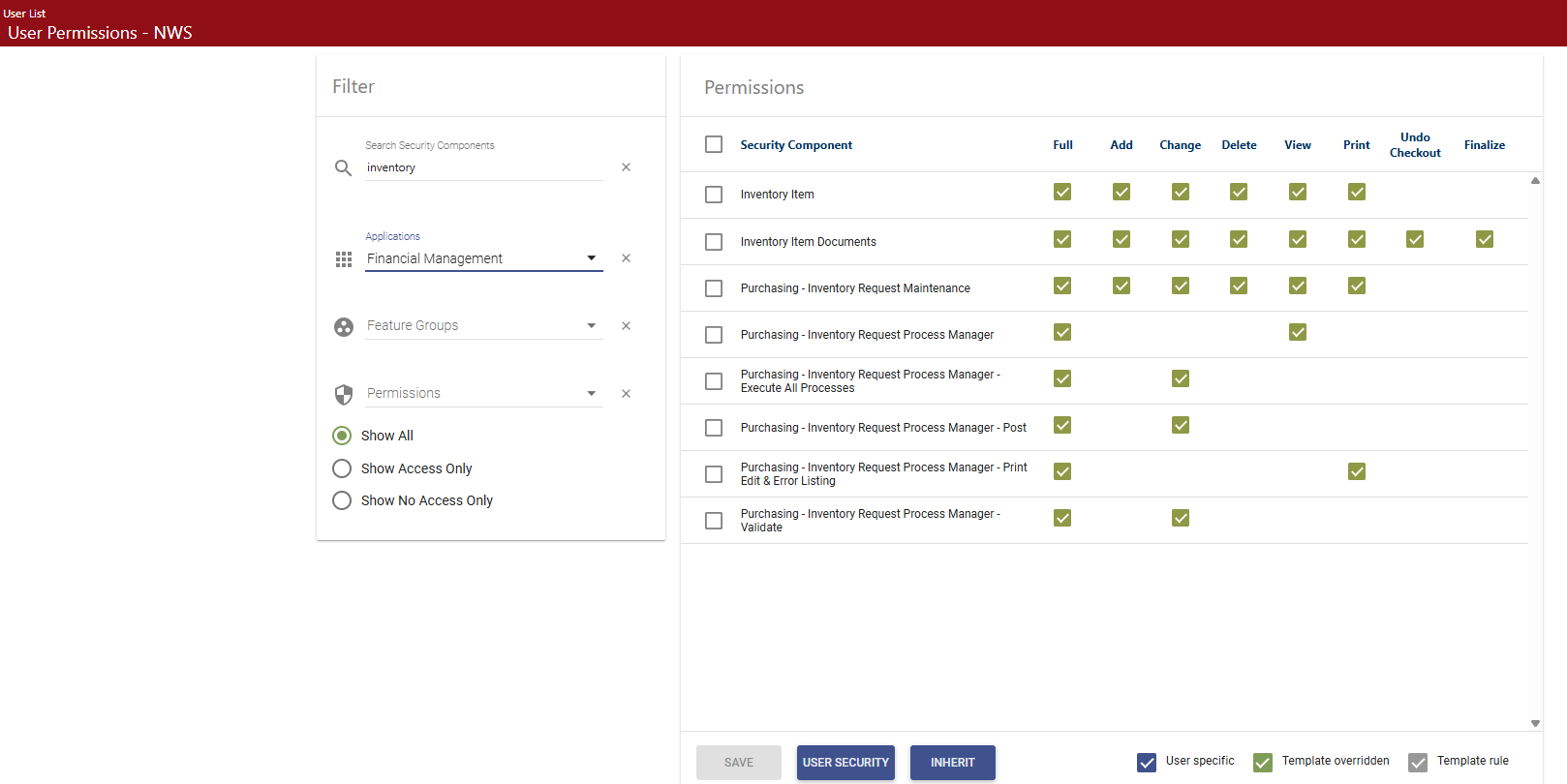
Users require authorization to the appropriate Inventory Control components on the User Permissions page. To access this page, go to Maintenance > new world ERP Suite > Security > Users.
See Set User Permissions for more information on how to set these permissions.
 Show me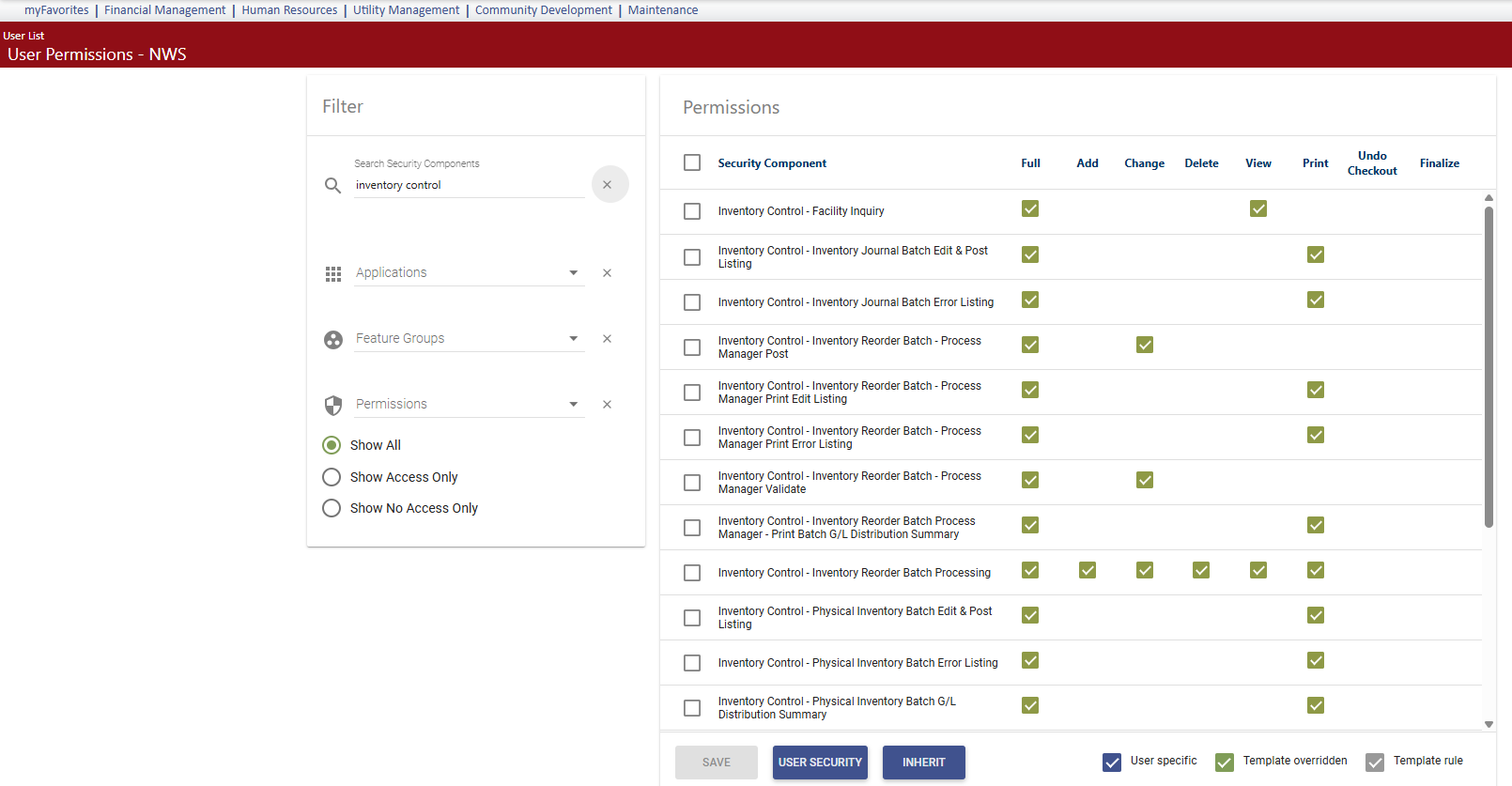
System Settings
Maintenance > Financial Management > Company FM Settings
The Enforce Inventory Items from Inventory field on the Inventory Control tab determines whether an inventory item may be selected on a purchase order or a requisition. See Inventory Control Tab for more information.
Process Manager
Maintenance > new world ERP Suite > Process Manager
The Inventory Control - Create Reorder Batches process has been added to Process Manager. Users’ ability to validate and post the batches will be determined by this setup.
Purchasing - Inventory Request has also been added. This will determine users’ ability to request inventory in the system.
Set up departments and approvals as needed by your organization. Refer to the Process Manager Training Guide for details if you need assistance.
Inventory Item
Maintenance > new world ERP Suite > Procurement > Items
On Inventory items, the Initial Quantity and Value information can be maintained until transactions are posted using that item. When you select the Inventory Locations Attribute for an inventory item, you can enter these values.
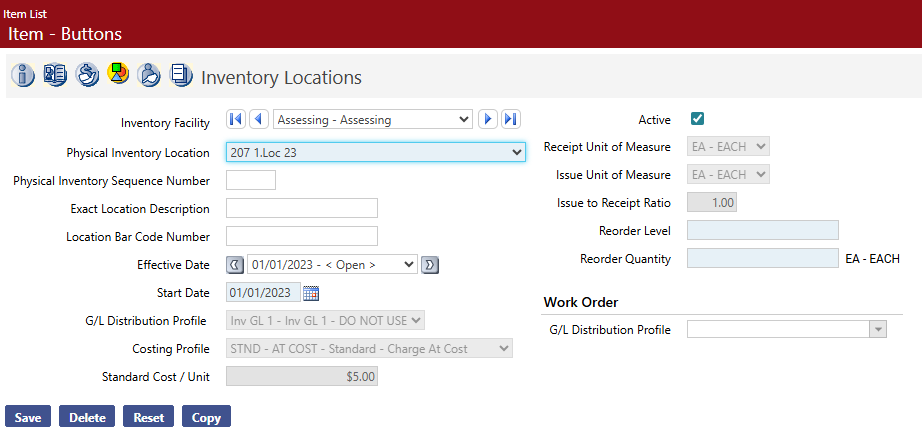
When transactions exist, these values will not be displayed and must be maintained by the existing inventory processes.